3PLs and warehouses
3PL software you own for the clients you store, ship and bill for
Storage, cross dock, transload and fulfillment on one record per client, with the billing that follows the work.
What you told us, and the screen that answers it
“Every client wants their stock reported their way.”
Client stock, orders and invoices live in separate places, and every report starts with an export.
The client portal shows stock on hand, open orders, shipments and invoices scoped to that client, with reports on the same data.
See the module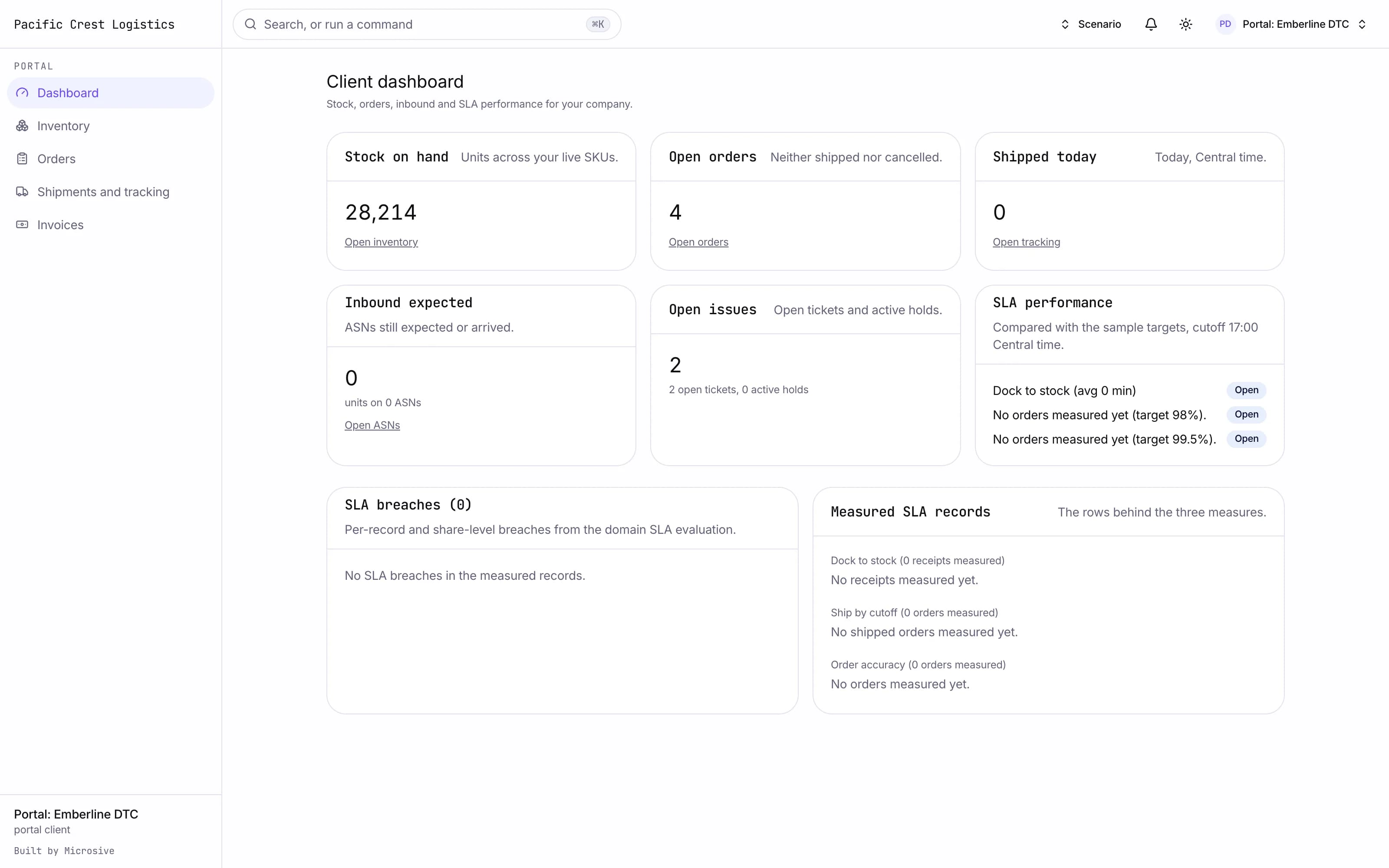
“Cross dock and transload jobs fall between the systems.”
Cross dock and transload move stock without a putaway, and the freight still has to be staged and loaded on time.
Cross dock moves inbound freight to a staging lane and onto the outbound trailer with a dwell timer, and transload splits one container across several trailers. Value-added services run as billable tasks, and returns are inspected and given a disposition.
See the module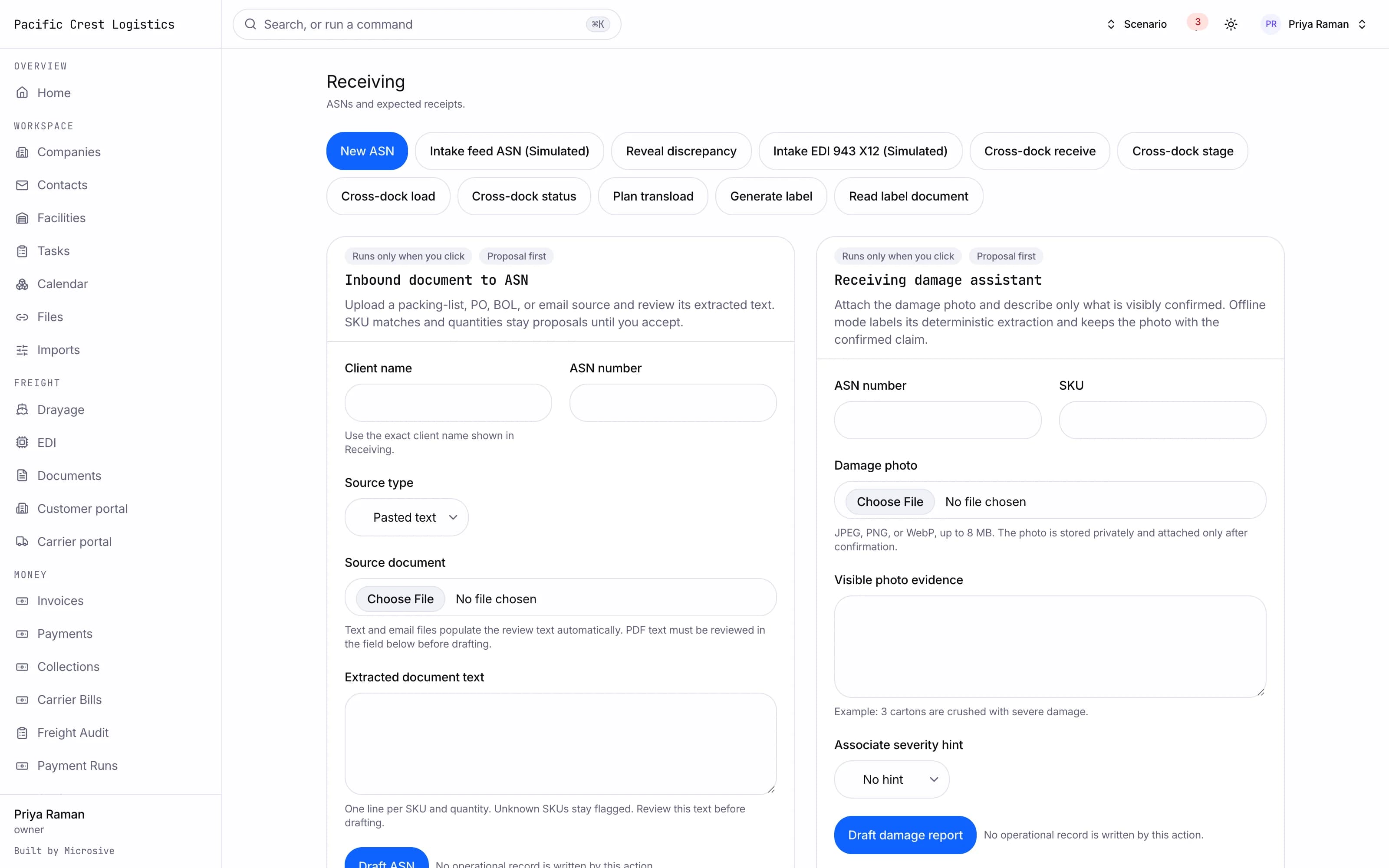
“Fulfillment orders arrive in every format a client can think of.”
Fulfillment orders arrive through portals and spreadsheets, and each one is re-keyed before it can be picked.
Orders are created in a form or a CSV, allocated first-expired, first-out or first-in, first-out by client rule, picked and packed, with the carrier tracking beside them.
See the module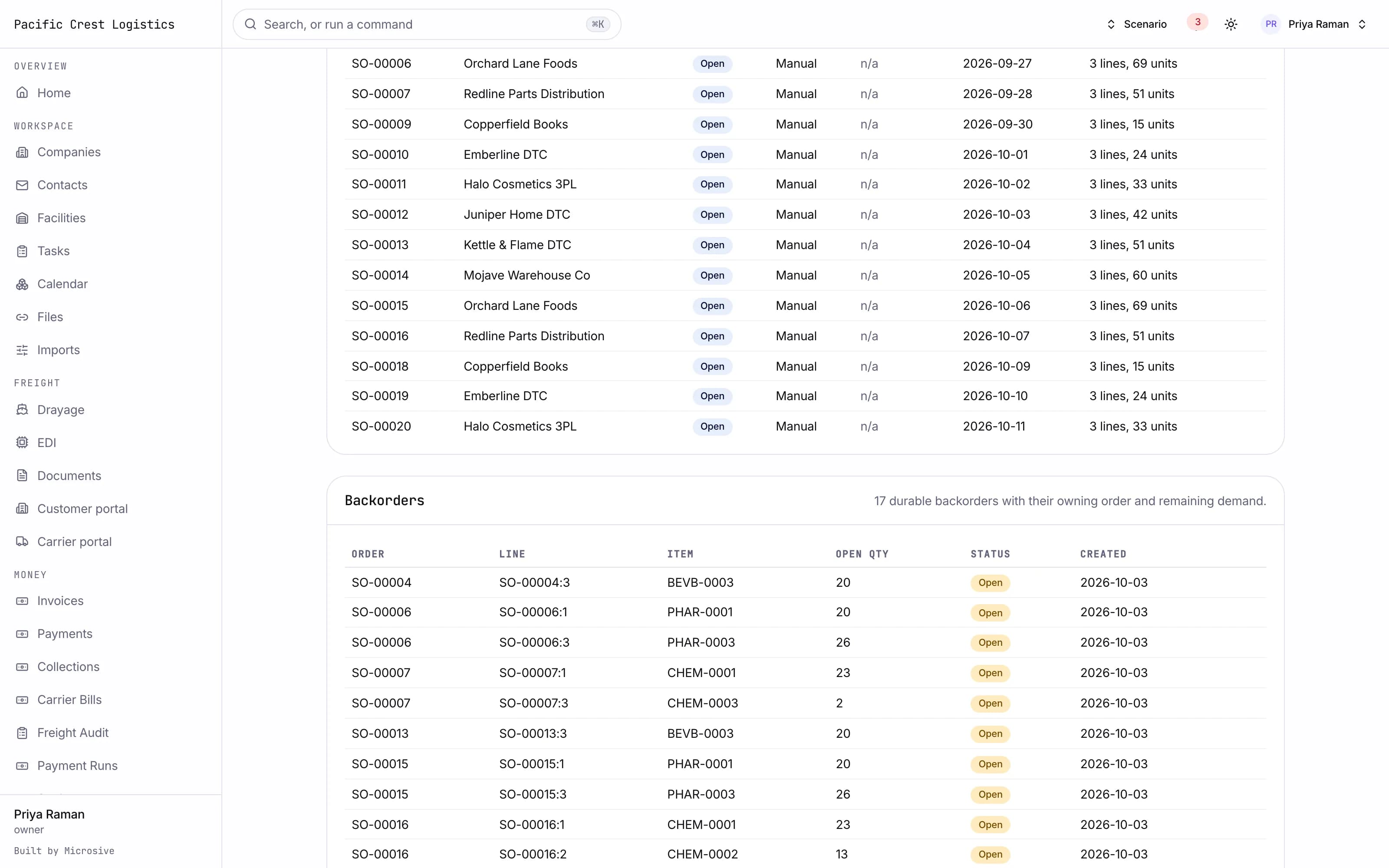
“We bill storage and handling by the pallet, and the argument starts every month.”
Storage and handling charges are rebuilt by hand from spreadsheets.
Rate cards hold the storage and handling prices, billable events come from the ledger, and every charge traces back to the event that created it.
See the module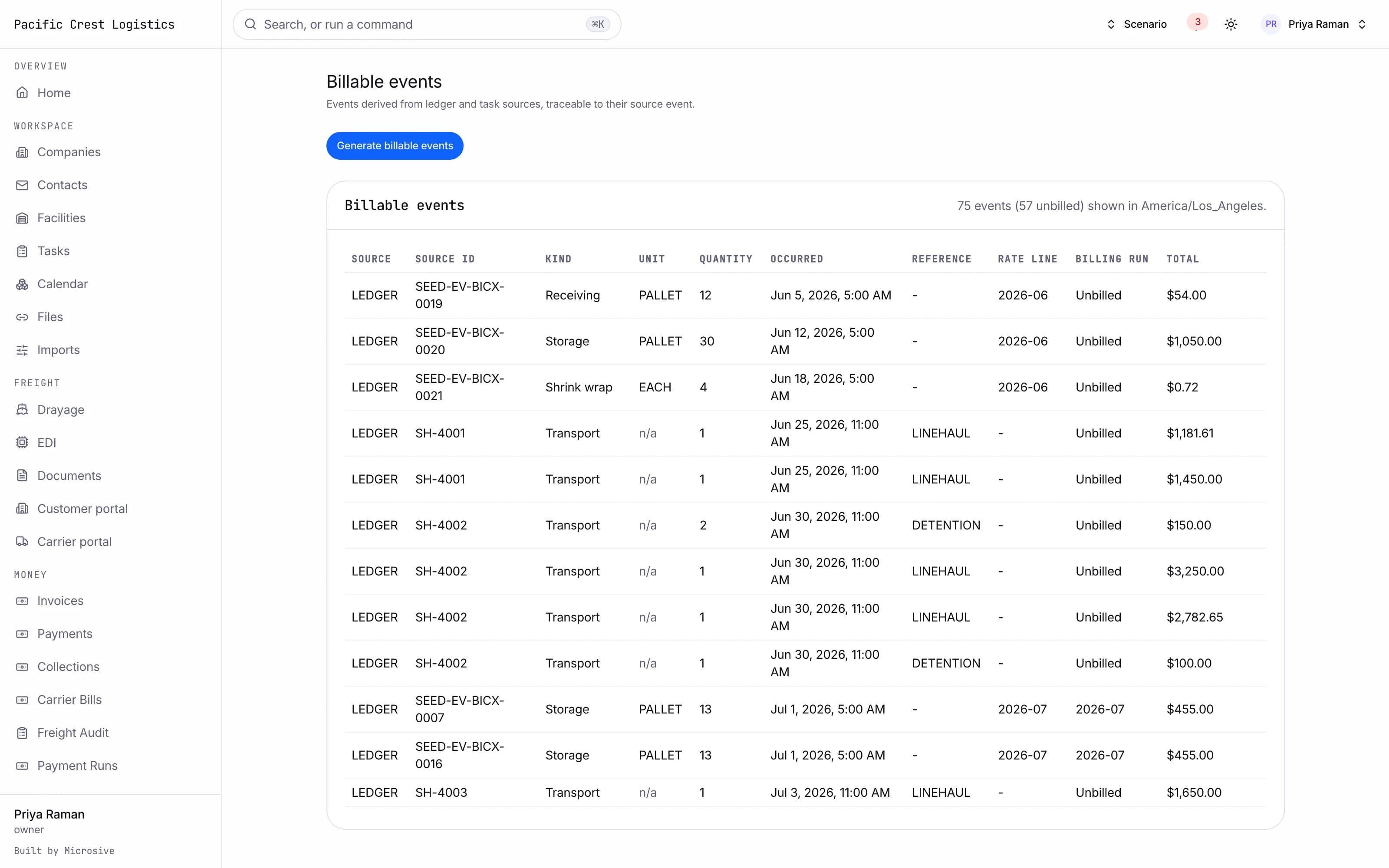
The parts you would use
- Warehouse managementReceiving, putaway, picking, packing and shipping on scanners.
- InventoryStock by client, location, lot and expiry, with full history.
- 3PL billingRate cards and billing built from the work done on the floor.
- 3PL client portalYour clients see stock, orders and invoices themselves.
- Yard and dockAppointments, gate check-in and a live yard map.
How it works
- 01
Demo
We walk through the screens for your kind of operation, or you try the sandbox yourself.
- 02
Onboarding call
We go through your data and your workflows with you, suggest and listen, and agree what goes where and what needs to be added.
- 03
Build
We shape the platform around your operation and add the pieces you need. Most builds are handed over in 14 days; your timeline is confirmed in writing after the onboarding call.
- 04
Migration
We migrate you free with any Cargohold build: we move your data from your current system at no cost. If your current vendor makes exporting hard, we work with their support or build a workaround. Migration time is agreed at onboarding and comes on top of the build.
- 05
Handover
The system goes live on your own server, and the code and data are yours.
- 06
Three months of free support
Any fixes to the system we delivered are included for the first three months.
- 07
After that, your choice
We train your IT team to run it, or we run it for you with 24/7 support for a fixed monthly fee, quoted with the build.
What you get
- 14days
Most builds are handed over in 14 days; your timeline is confirmed in writing after the onboarding call.
- 3months
Free support after handover.
- 100%
Of the code and the data is yours.
- $0
Per truck, per dispatch or per client.
Questions
What happens to our items, clients and billing history?
Free migration: we review your data with you, agree what moves where, and move it into your new system at no cost. Migration time is agreed at onboarding and comes on top of the build. If your current vendor makes exporting hard, we work with their support or build a workaround.
Who owns the system?
You do. The code and the data are yours, and the system runs on your own server, which we set up for you. There are no per-truck, per-dispatch or per-client fees.
See it running on your kind of data.
Book a demo and we walk through the screens for your operation. Or request sandbox access and try it yourself.