Warehouse management
A 3PL warehouse management system you own
Receiving, putaway, picking, packing and counts on the scanners your team carries, shaped around how your building runs.
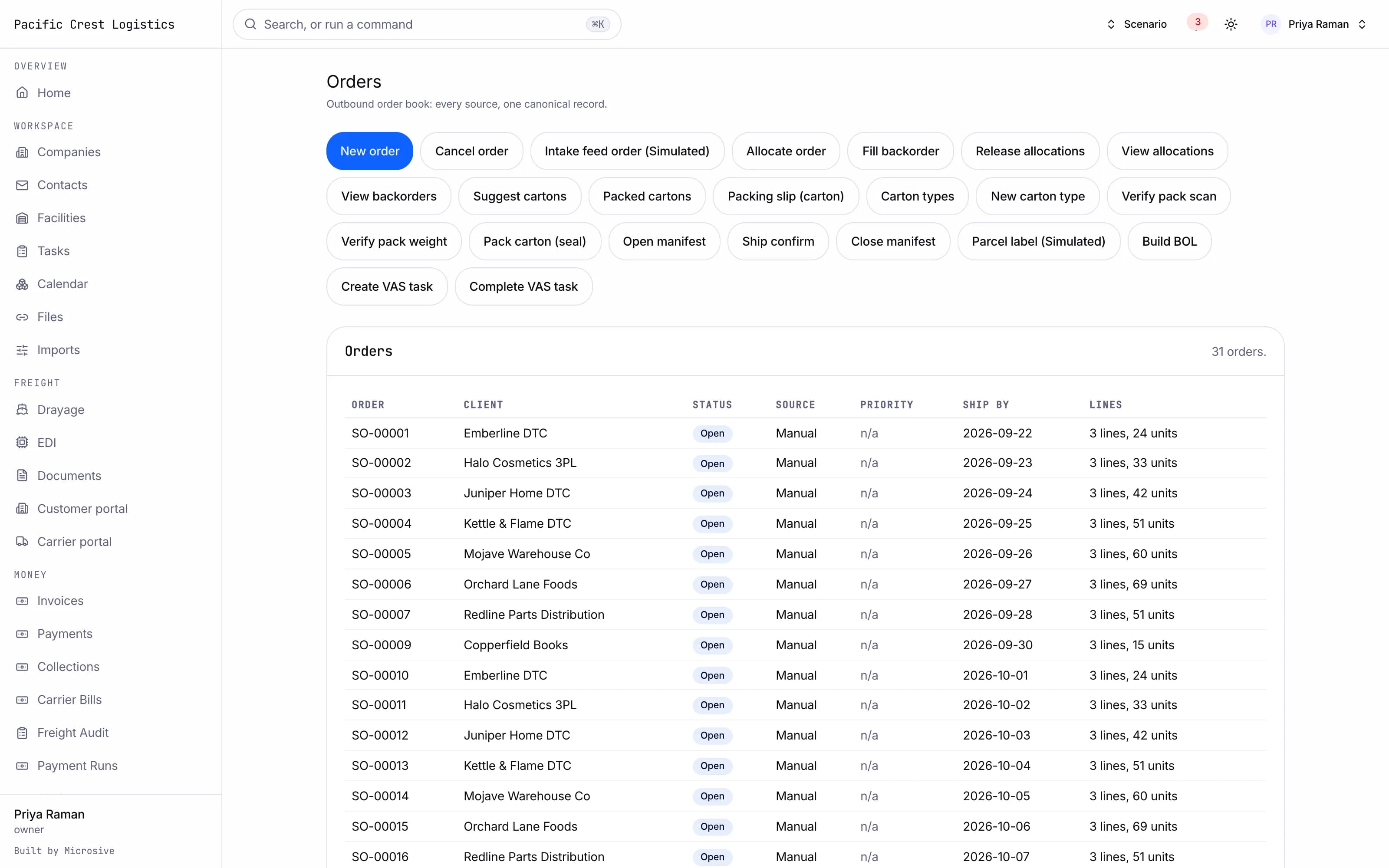
What it does
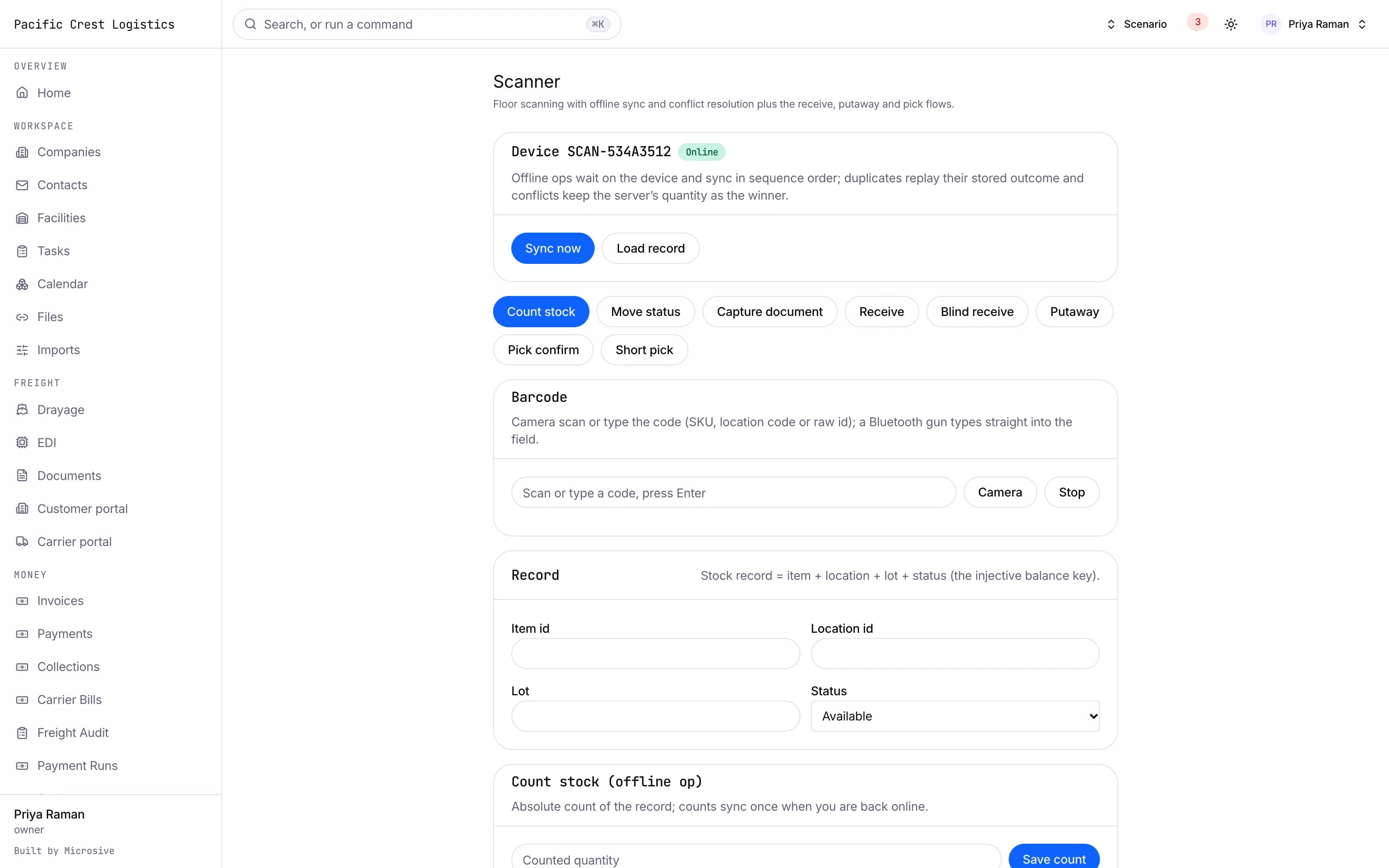
- Receive on a scanner: pallet IDs, quantities, lot, expiry and serial, with photos for anything over, short or damaged.
- Receive blind when there is no ASN, and send the client a discrepancy report when the count does not match.
- Directed putaway that respects temperature zones, hazmat segregation and client space, and asks for a reason before anyone overrides it.
- Orders allocated first-expired or first-in per client, then planned into waves by carrier, cutoff or zone.
- Single, batch, cluster and zone picking with an ordered pick path. A short pick opens a count on that location.
- Pack stations that scan every item before the carton closes, so the wrong item stays on your dock.
- Cycle counts by location, ABC class or trigger, with variance approval before stock changes.
- Cross-dock, transload, value-added services and returns with inspection and a recorded disposition.
- Labor tracking: tasks and units per hour for each associate.
- A scanner app that keeps working when the Wi-Fi drops and syncs when it comes back.
See the workflows
- 01Receiving
An ASN arrives, the associate scans each pallet, and a short quantity with a damage photo becomes a discrepancy report.
- 02Picking and packing
A wave is released, pickers follow the path, and the pack station checks every item against the order.
- 03Cycle counts
A short pick triggers a count. The variance waits for approval before the balance changes.
An ASN arrives, the associate scans each pallet, and a short quantity with a damage photo becomes a discrepancy report.
Works with the rest of the system
One record moves through every module, so nobody re-types it.
What you get
- 3steps
On one record, from the booking to the bill.
- 14days
Most builds are handed over in 14 days; your timeline is confirmed in writing after the onboarding call.
- 3months
Free support after handover.
- $0
Per truck, per dispatch or per client.
Questions
Does it work with the scanners we already have?
The scanner app runs in the browser on phones and handheld devices and scans with the camera. Whether your current handhelds are a good fit is something we check with you during onboarding, and we build for what you have.
Can we run several clients in one building?
Yes. Every item, balance and order belongs to a client, and each client can see only its own stock in the client portal.
What happens to the data in our current WMS?
Free migration: we review your data with you, agree what moves where, and move it into your new system at no cost. Migration time is agreed at onboarding and comes on top of the build. If your current vendor makes exporting hard, we work with their support or build a workaround.
Who owns the system?
You do. The code and the data are yours, and the system runs on your own server, which we set up for you. There are no per-truck, per-dispatch or per-client fees.