Quoting and RFQ
Freight quoting and RFQ software with one inbox
Requests from email, the portal, a web form and the API land in one inbox, and the quote that goes out carries your rates, accessorials and margin rules.
What it does
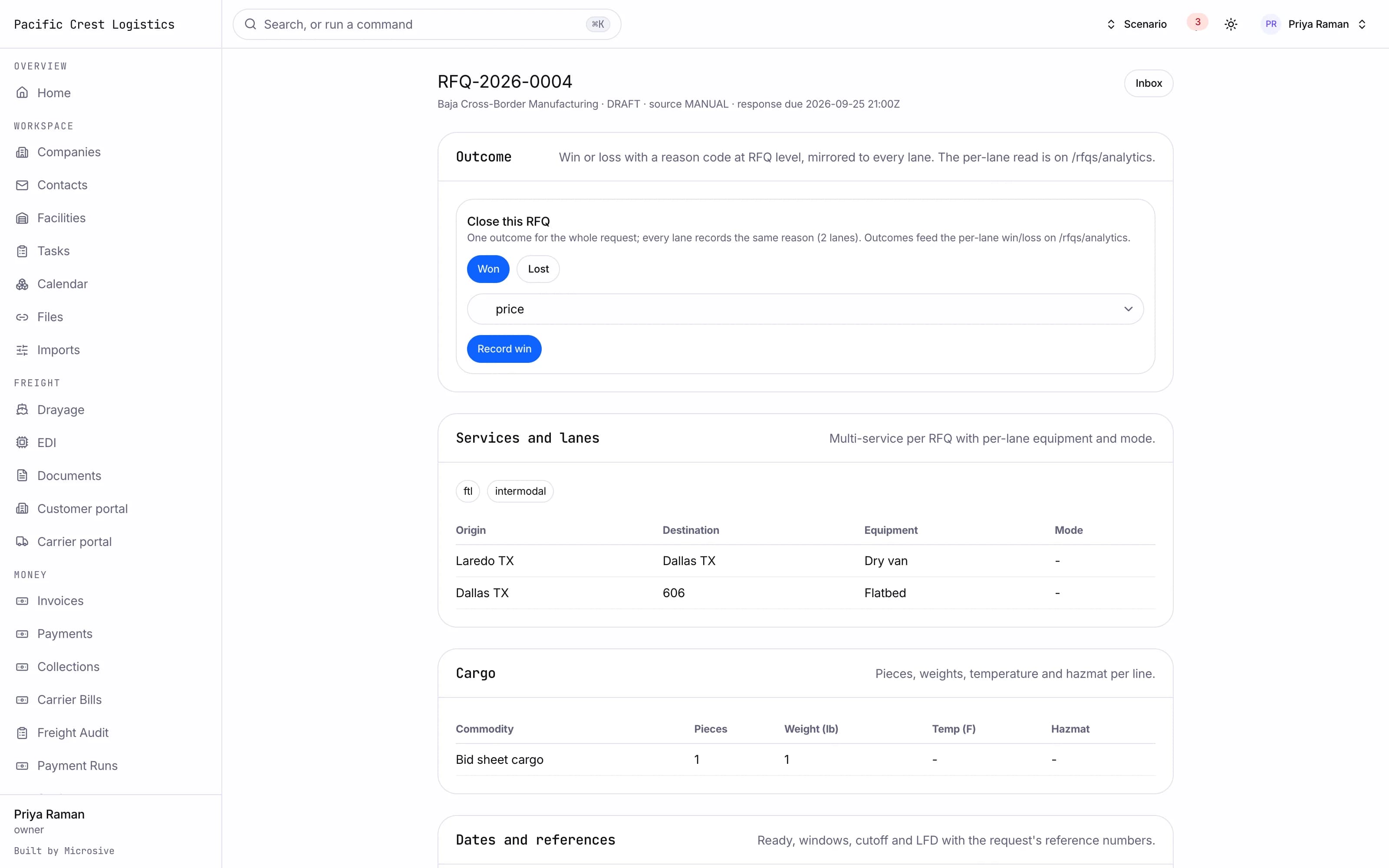
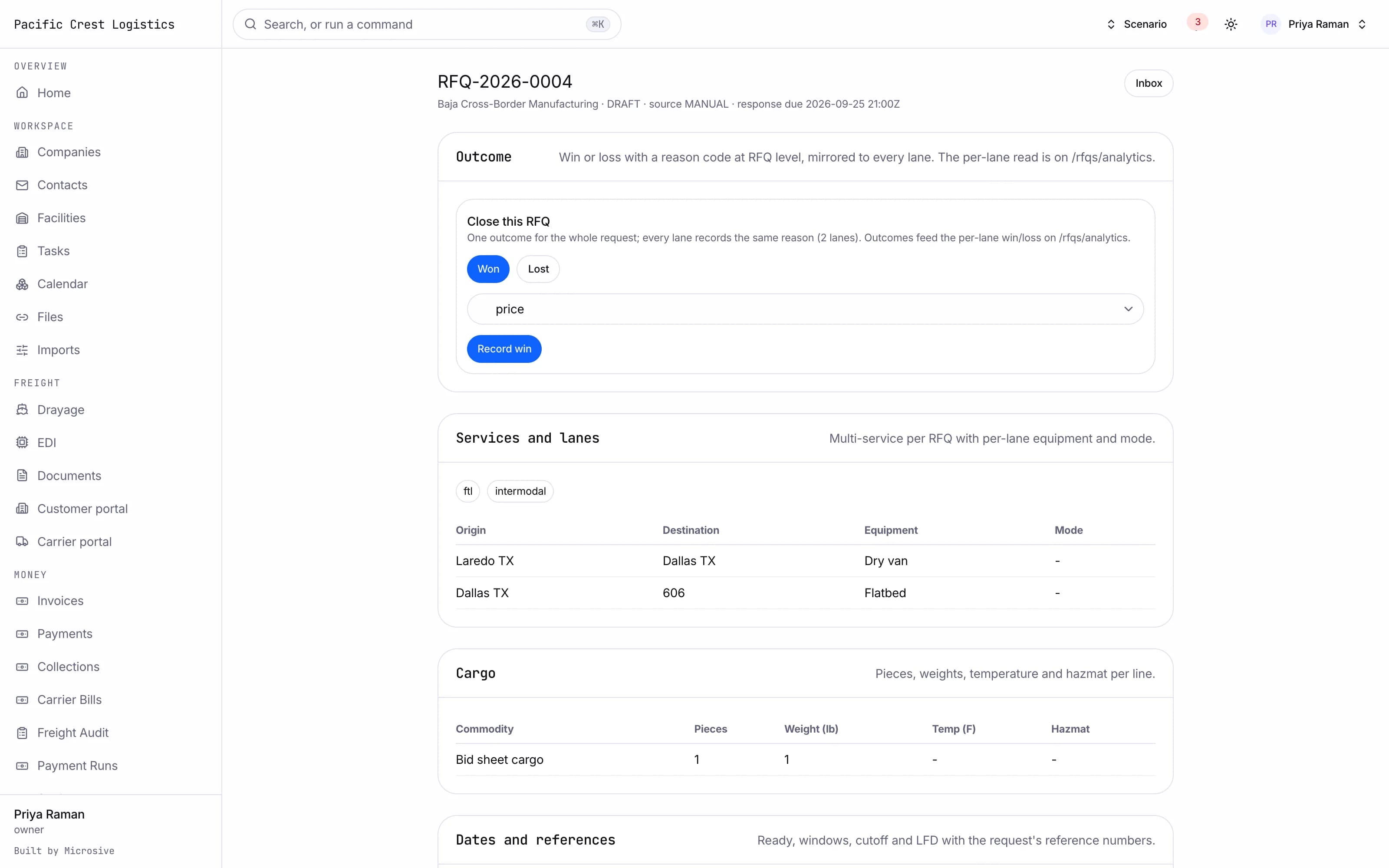
- An RFQ inbox that collects requests from email, the customer portal, a web form, the API and a manual entry, each marked with its source.
- An RFQ record that holds the customer, the services, every lane with its dates and references, the cargo lines and the special requirements.
- Multi-lane requests with equipment and mode set per lane.
- Vendor requests sent to carriers filtered by lane, equipment, compliance and score, with one record per vendor per lane.
- Vendor statuses from sent through responded, declined and expired, with scheduled reminders that nudge a carrier who has not answered.
- A quote comparison grid showing cost, transit, score, compliance and the delta against your benchmark, with a winner picked per lane.
- A customer quote builder: lines per service, accessorials, margin rules, a manual override, validity dates and terms.
- Quote versions with a revision reason and a diff.
- A quote PDF sent by email and published to the customer portal, where the customer accepts or rejects it with a reason.
- An accepted quote becomes a shipment with its legs, without re-typing anything.
- Contract rates per lane and equipment that auto-rate a booking the moment it is created.
- Fuel surcharge tables applied from the weekly index value you set, and an accessorial catalog with default rates for detention, layover, TONU, lumper and the rest.
- Margin rules per customer, lane or service, with approval required when a quote falls under the threshold.
- Rate history and a lane rate trend chart.
See the workflows
- 01Inbox to quote
A request arrives from the portal, the lanes and cargo are already on the record, and the quote goes out with your rates applied.
- 02Compare and award
Carrier responses line up in the grid by cost, transit and score, and the winner is picked lane by lane.
- 03Contract pricing
The lane rate, fuel table and accessorial defaults are read at booking time, and a margin under the rule asks for approval.
A request arrives from the portal, the lanes and cargo are already on the record, and the quote goes out with your rates applied.
Works with the rest of the system
One record moves through every module, so nobody re-types it.
CRM and sales
Leads, accounts and a pipeline that knows every shipment.
Booking and brokerage
From accepted quote to covered load without re-typing.
Finance and claims
Invoices, carrier bills with 3-way match, settlements, claims.
Analytics and Ask AI
Live dashboards, a report library and plain-English questions.
What you get
- 3steps
On one record, from the booking to the bill.
- 14days
Most builds are handed over in 14 days; your timeline is confirmed in writing after the onboarding call.
- 3months
Free support after handover.
- $0
Per truck, per dispatch or per client.
Questions
Where do the requests come from?
Email, the customer portal, a web form, the API and manual entry, all landing in one inbox with the source marked on each request.
Can a customer accept a quote without emailing back?
Yes. The quote is published to the portal, where the customer accepts or rejects it with a reason, and an accepted quote becomes a shipment.
What happens to our rate cards and quote history?
Free migration: we review your data with you, agree what moves where, and move it into your new system at no cost. Migration time is agreed at onboarding and comes on top of the build. If your current vendor makes exporting hard, we work with their support or build a workaround.
Who owns the system?
You do. The code and the data are yours, and the system runs on your own server, which we set up for you. There are no per-truck, per-dispatch or per-client fees.