AI assistants
Logistics AI assistants that show their source
The assistants draft, extract and answer over your own records, each showing where its answer came from, and a person approves before a draft is sent or an action runs.
What it does
- RFQ and email intake that turns a message into the record's fields, with the extraction shown against the original.
- Vendor and carrier replies parsed back onto the request they answer.
- Follow-up nudges drafted for a vendor who has not answered, waiting for you to send.
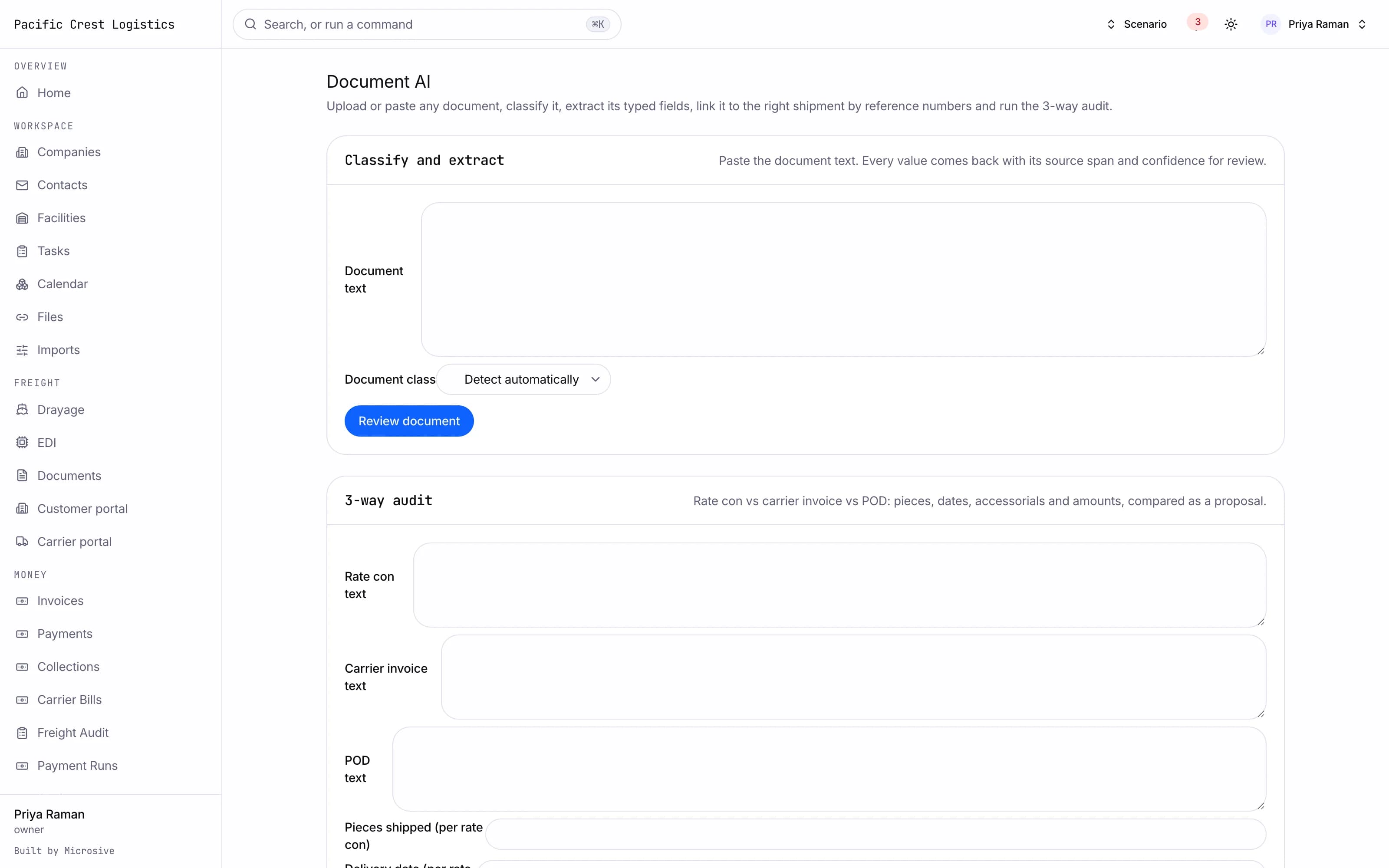
- Document field extraction for certificates, bills of lading and proofs of delivery, classified and linked to the right shipment.
- Fraud signals on carrier records: MC age, contact changes, lookalike domains, bank change requests.
- Billing leakage detection that looks for work done and never billed.
- A packing list turned into a load plan proposal, ready for you to review and apply.
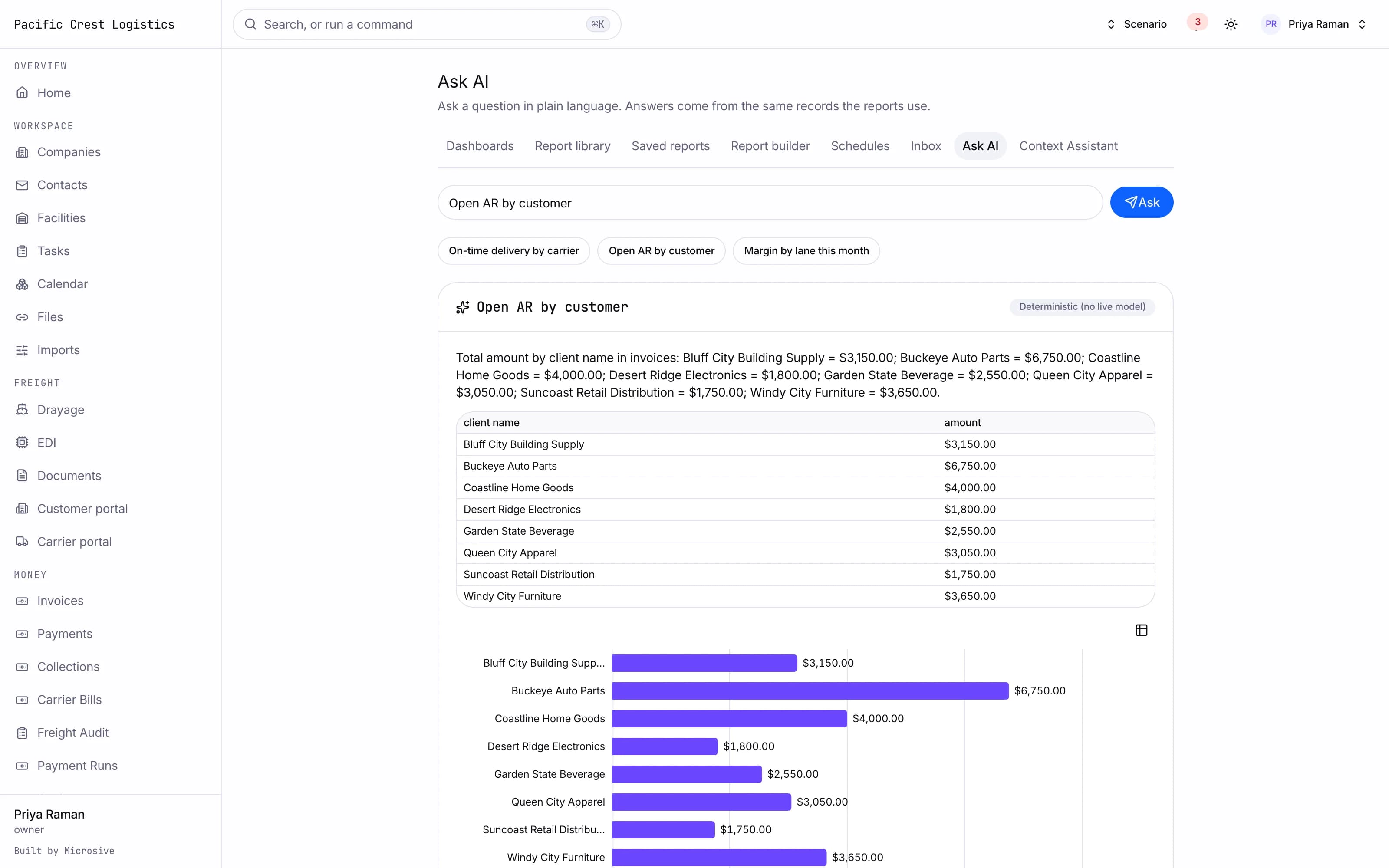
- Questions over your analytics in plain English, answered with the query shown and unsafe questions refused.
- A context assistant on any record that summarizes it, says what is blocking it and drafts an update, with every action it proposes waiting for one-click approval.
- A gate photo read that pre-fills the trailer, container and plate numbers on the check-in for the clerk to confirm.
- A claims assistant that drafts the claim letter to the carrier and the response to the customer, with the timeline and amounts.
See the workflows
- 01Intake
The email arrives, the fields are proposed against the original text, and you correct anything before the record is created.
- 02Ask over your data
The question runs as a query, the answer shows that query, and a question outside the data is refused rather than guessed.
- 03Approve before it goes out
A drafted message waits for a person to send it, extracted fields wait for a person to accept them, and an action the assistant proposes runs only after one-click approval.
The email arrives, the fields are proposed against the original text, and you correct anything before the record is created.
Works with the rest of the system
One record moves through every module, so nobody re-types it.
What you get
- 3steps
On one record, from the booking to the bill.
- 14days
Most builds are handed over in 14 days; your timeline is confirmed in writing after the onboarding call.
- 3months
Free support after handover.
- $0
Per truck, per dispatch or per client.
Questions
Does anything go out without us approving it?
No. Drafted messages wait for a person to send them, and actions the assistant proposes run only after one-click approval.
How do we know an answer is right?
The answer carries its source: the query it ran, the document it read, or the record it used.
What happens to our records and assistant history?
Free migration: we review your data with you, agree what moves where, and move it into your new system at no cost. Migration time is agreed at onboarding and comes on top of the build. If your current vendor makes exporting hard, we work with their support or build a workaround.
Who owns the system?
You do. The code and the data are yours, and the system runs on your own server, which we set up for you. There are no per-truck, per-dispatch or per-client fees.