Fleet operations
Fleet operations software that works beside your ELD
Assets, drivers, maintenance, fuel, IFTA and settlements in one place, running beside the ELD and GPS you already use.
What it does
- Asset records for tractors, trailers, reefers, chassis, straight trucks and yard trucks, with a validated VIN, plate, year, make, model, status, home terminal and ownership.
- Driver records with license class and endorsements, medical card, hire date, pay type and team pairings, plus a qualification file whose expiring documents raise an alert.
- Hours of service on the 11, 14 and 70 hour clocks with the 30 minute break and the 34 hour restart, on a duty status log.
- Driver vehicle inspection reports before and after a trip, with defects that open a work order, a mechanic sign-off and an out-of-service state.
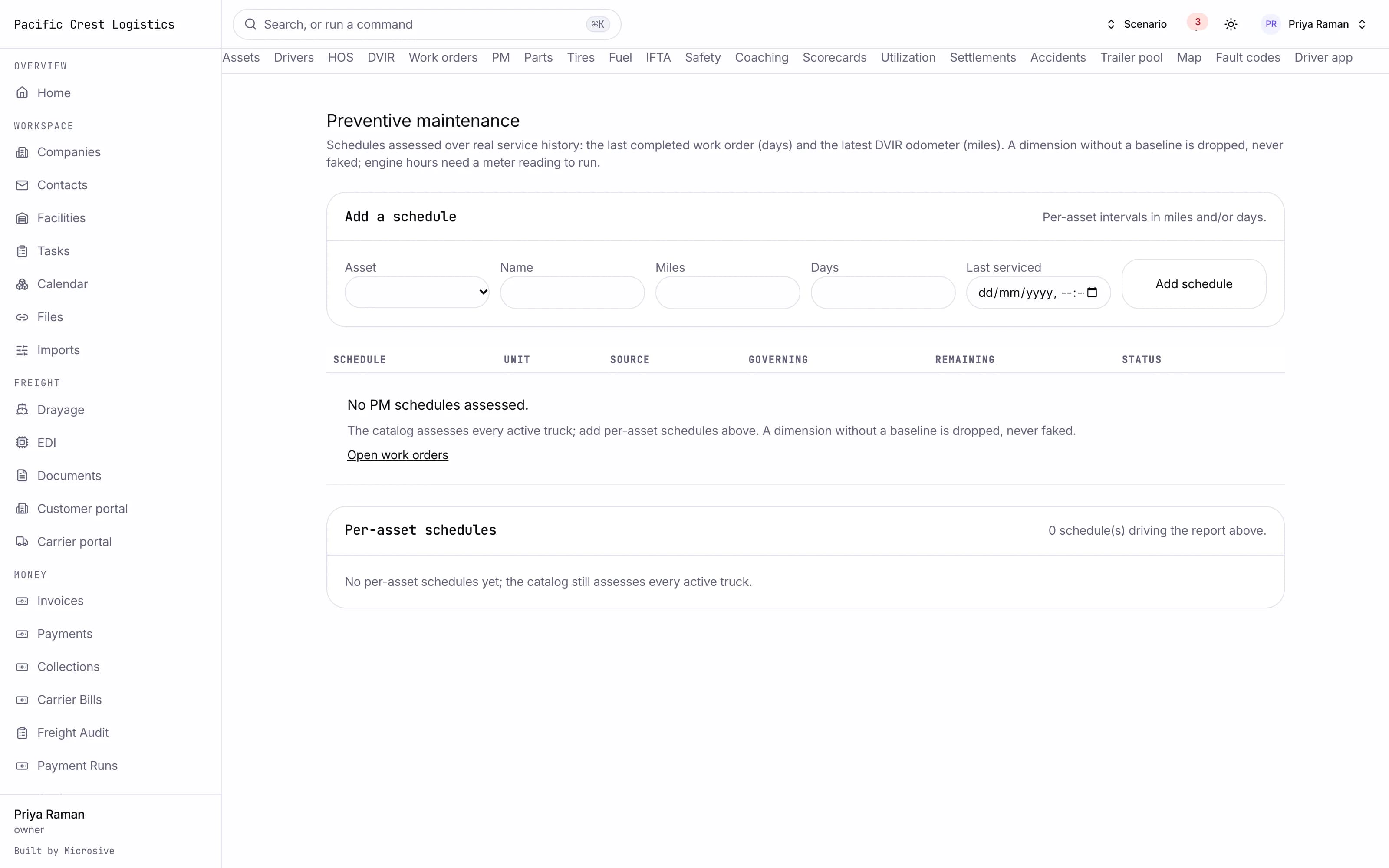
- Preventive maintenance on miles, engine hours or days, with due and overdue computed for you.
- Work orders carrying labor, parts, vendor, cost and downtime, from the defect that raised them.
- Fuel card transactions, when your fuel card feed is connected, with MPG per truck and fraud flags when a fill exceeds the tank or sits far from the truck.
- IFTA built from miles by state and fuel by state into a quarterly report.
- Fault codes from your telematics, when that feed is connected, raise an alert and open a work order.
- Safety events such as harsh braking and following distance from your telematics, when that feed is connected for your operation, each with a coaching workflow.
- Driver scorecards for safety, on-time performance, fuel and hours compliance, computed from your own records.
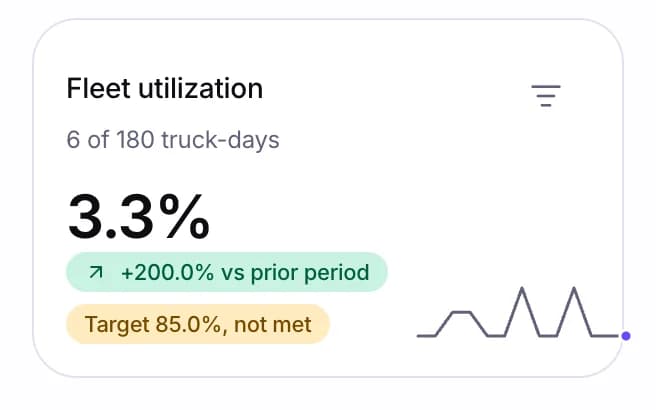
- Utilization per truck: revenue, empty miles, idle time and cost per mile across fuel, maintenance, driver and fixed cost.
- Driver settlements per mile, percentage of revenue, hourly, stops and accessorial pay, with deductions, advances and escrow, and owner-operator settlements with chargebacks.
See the workflows
- 01Maintenance
A defect on the inspection opens a work order, the truck is out of service until the mechanic signs it off, and the preventive schedule shows what is due next.
- 02Hours and documents
The clocks run on the duty log, and a medical card or license near expiry raises an alert on the qualification file.
- 03Settlements
The trip is closed, the pay rules are applied, and the settlement shows the miles, the accessorials and the deductions.
A defect on the inspection opens a work order, the truck is out of service until the mechanic signs it off, and the preventive schedule shows what is due next.
Works with the rest of the system
One record moves through every module, so nobody re-types it.
What you get
- 3steps
On one record, from the booking to the bill.
- 14days
Most builds are handed over in 14 days; your timeline is confirmed in writing after the onboarding call.
- 3months
Free support after handover.
- $0
Per truck, per dispatch or per client.
Questions
Does this replace our ELD?
No. You keep the ELD and the GPS you run. The hours of service clocks are shown on a duty status log beside dispatch and maintenance, with duty status from your ELD when that feed is connected for your operation, and inspections are recorded in the driver app.
How is IFTA prepared?
From miles by state and fuel by state, assembled into a quarterly report.
What happens to our assets and driver records?
Free migration: we review your data with you, agree what moves where, and move it into your new system at no cost. Migration time is agreed at onboarding and comes on top of the build. If your current vendor makes exporting hard, we work with their support or build a workaround.
Who owns the system?
You do. The code and the data are yours, and the system runs on your own server, which we set up for you. There are no per-truck, per-dispatch or per-client fees.